Seller Stories
How to Start Selling on FoodSansar: Complete Guide for New Sellers
May 15, 2026 6 min read
You don't need an expensive camera to take compelling product photos. Good photos are what actually drive more sales — here are practical, phone-only tips.
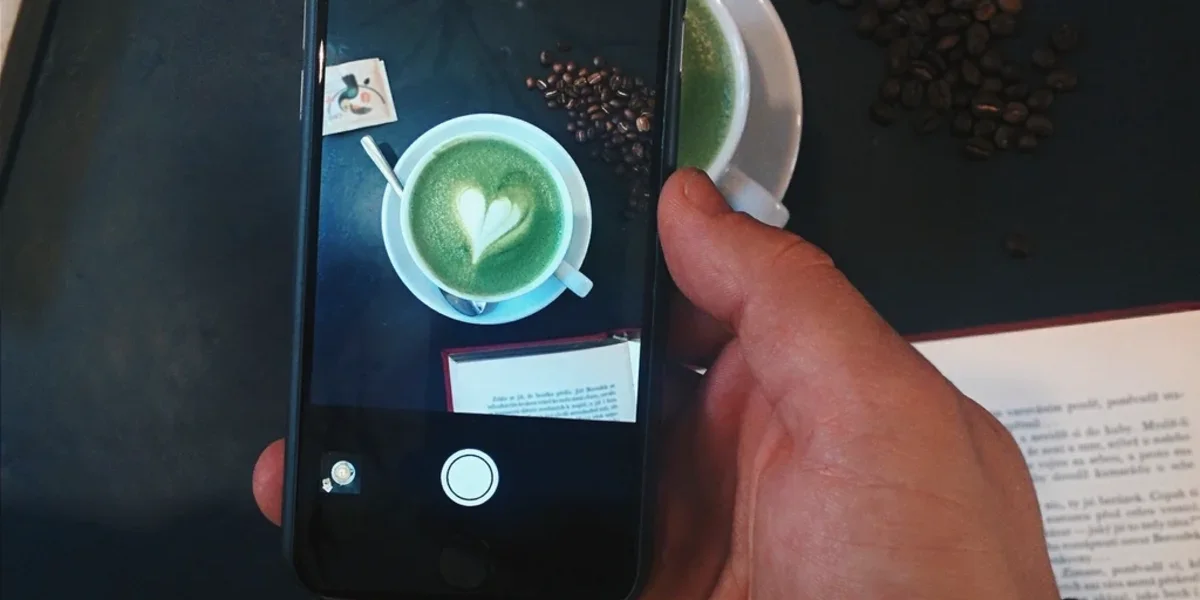
In an online marketplace, buyers can't touch or smell your produce — the photo is the only thing they have to go on. Listings with clear, appealing photos consistently outsell listings with poor ones, often by a wide margin. The good news is you don't need expensive equipment for this — any modern smartphone camera is more than capable.
Shoot in natural daylight — near a window or outdoors works best. Direct harsh sunlight creates strong shadows and blown-out highlights, so a slightly overcast day or soft shade gives the most flattering, even light. Avoid using flash entirely — it distorts colour and makes the product look unnatural.
Photograph your product against a plain white cloth, a simple wall, or a clean table surface. A cluttered or overly colourful background pulls attention away from the actual product. Using the same background consistently across all your listings also makes your whole shop feel more professional.
Buyers trust listings more when they can see at least 3-4 different angles, since it signals there's nothing being hidden from them.
Good lighting, a clean background, and 3-4 angles — that alone can meaningfully increase how well your listings sell on FoodSansar. Attention and a little practice matter far more here than expensive gear.
Share it with friends and help others discover great content!